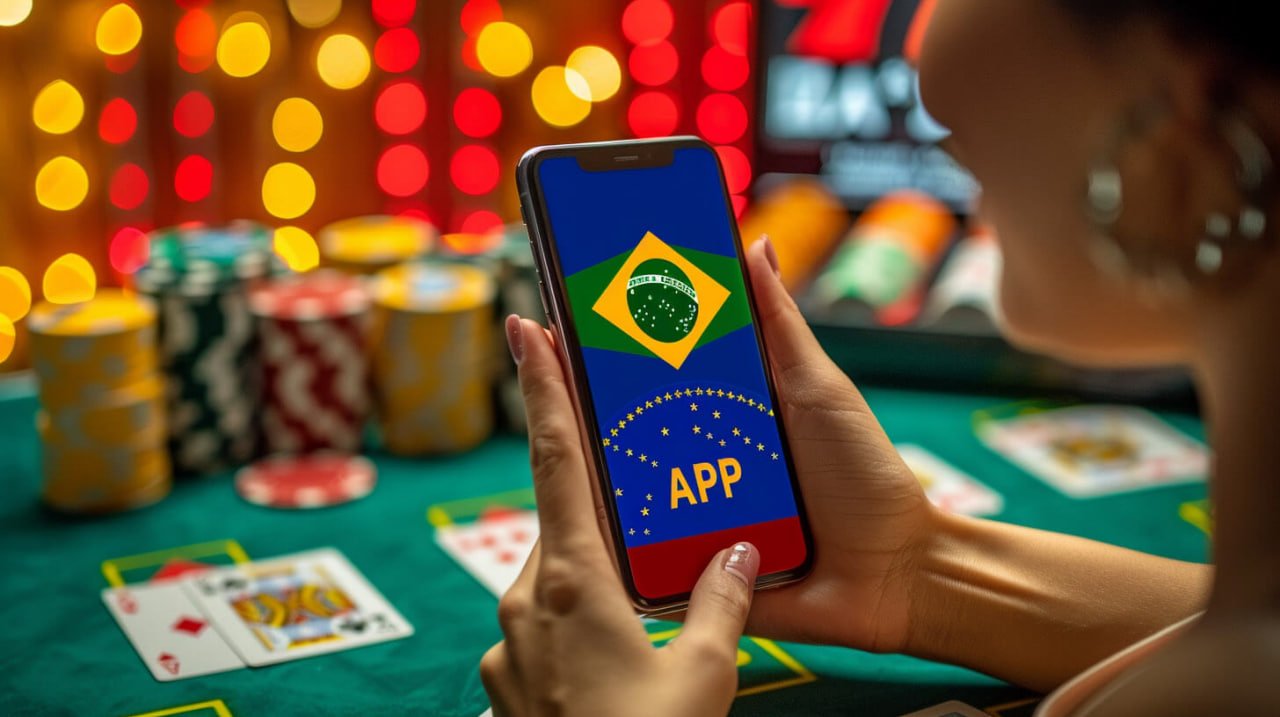
The bet90 app puts sports betting, bingo, Live Casino, and Pix withdrawals in the palm of your hand. Fast interface, real-time notifications, and the full platform experience optimized for your phone — available for Android and iOS.
Register or log in to access the official download link.
Whether you are an Android or iPhone user, bet90 has a version of the app tailored for your device. See the details for each platform below.
The bet90 app for Android is available as an APK file — the standard format for installing apps outside the Google Play Store. The process is simple and fast, taking less than two minutes from download to opening the app.
IPhone and iPad users have access to the bet90 app optimized for Apple's system. Installation follows the standard App Store flow — no extra settings or need to allow unknown sources.
Open Chrome or any browser on your Android and go to bet90.vu. Log in or create your account before downloading the app.
In the download section, tap "Download Android APK". The file will be downloaded automatically to your device's downloads folder.
Since the APK comes from outside the Play Store, Android will ask for permission to install apps from external sources. Go to Settings → Security → Unknown Sources and enable the option only for the browser you used to download it.
Go to your downloads folder, tap the bet90 APK file, and confirm the installation. The process takes less than a minute.
Once the app is installed, tap the bet90 icon on your home screen, enter your username and password, and start playing. The app saves your session so you don't need to log in every time.
On iOS, the installation process starts through the Safari browser. Go to bet90.vu and log in or register before continuing.
In the download section, tap the iOS button. You will be directed to the installation flow via the App Store or a configuration profile, depending on the version available.
Follow the on-screen instructions — you may need to confirm the download via the App Store or install a configuration profile. In both cases, the process is guided and straightforward.
If iOS shows a warning about the developer, go to Settings → General → VPN & Device Management, select the app, and tap "Trust". This is only required on the first install via profile.
Once the app is installed, open it from the icon on your home screen, log in with your credentials, and enjoy the full platform directly on your iPhone or iPad.
Many people start by accessing the platform through their phone's browser and, after a while, realize the app delivers a much smoother experience. It's not just a matter of convenience — it's the difference between following a live match with a few seconds of delay in the browser versus receiving instant updates directly in the app, with goal notifications, odds, and results appearing before you even think about picking up your phone.
Bet90 developed the app with the Brazilian user specifically in mind: those who follow football during their lunch break, those who play bingo while waiting at the bus stop, those who want to place a quick bet on the weekend without turning on a computer. The interface was tested on 4G and even 3G connections, so even with a weak signal the app responds quickly.
Another feature that makes a difference is integrated Pix. Through the bet90 app, you deposit and request withdrawals without leaving the app — all on the same screen, in just a few taps. For those who live on their phones, this is far more natural than opening a browser, visiting the site, going to the financial section, and repeating the process.
The app also has full access to the VIP, where you can track your loyalty level, available missions, and personalized bonuses. Exclusive promotions for app users appear directly on the home screen, so you never miss an offer by not visiting the site.
Everything the platform offers on desktop is in the app — with the advantage of an interface adapted for touch, gestures, and use on the go.
Access over 20 sports, follow live odds, and place single or combo bets directly through the app — with football, basketball, tennis, and much more.
Join bingo rooms on your phone, buy cards, and follow the draws in real time. Auto-daubing works perfectly on your smartphone screen.
Play roulette, baccarat, and blackjack with real dealers streamed in HD directly to your phone. Streaming is optimized for mobile networks without buffering.
Deposit and withdraw via Pix without leaving the app. Copy the QR code, confirm in your banking app, and the balance appears in your account instantly — available 24 hours a day.
Set alerts for games you are following, receive notifications about results, odds changes, and active promotions — without having to open the app constantly.
Use your phone's fingerprint or facial recognition to access your account securely and quickly — without typing your password every time you open the app.
Some bet90 offers are made available to app users first. Keep an eye on the app's home screen to take advantage of early bonuses and free bets.
View your full history of bets, deposits, and withdrawals directly in the app. Check performance stats and manage your account with complete transparency.
The bet90 app was built with a dark color palette, comfortable for nighttime use and battery-friendly on OLED and AMOLED screens.
You can use bet90 through your phone's browser without any issues — the site is responsive and works well. But if you want the best possible experience, the app has the edge in several ways that make a real difference day to day. See the comparison:
| Feature | Bet90 App | Browser |
|---|---|---|
| Loading speed | ||
| Push notifications | ||
| Biometric login | ||
| Exclusive promotions | ||
| Integrated Pix without leaving the app | ||
| Live Casino in HD | ||
| Partial offline use | ||
| No URL typing required |
Download the app now, create your account, and enjoy exclusive promotions for new app users. Betting, bingo, and Live Casino wherever you are.
Free download · No installation fees · Support in English